Best Seller Icon Bestseller

CERTIFICATE IN ADVANCED BASIC COMPUTER(M-BC-6179)

  • Last updated Jun, 2026
  • Certified Course
₹3,999 ₹5,999

Course Includes

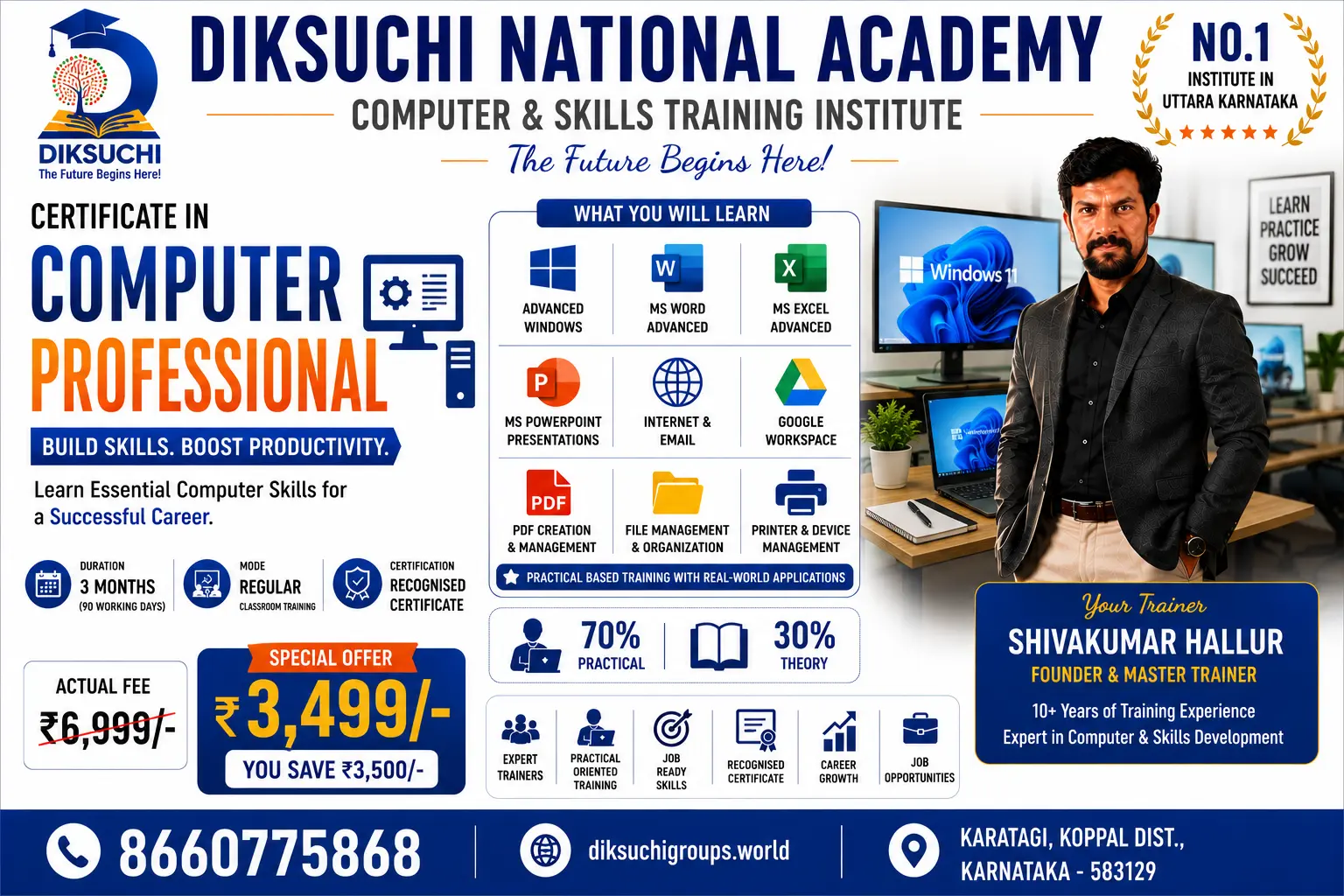
  • Duration3 Months
  • Enrolled21
  • Lectures90
  • Videos0
  • Notes3
  • CertificateYes

What you'll learn

Advanced Certificate in Basic Computer

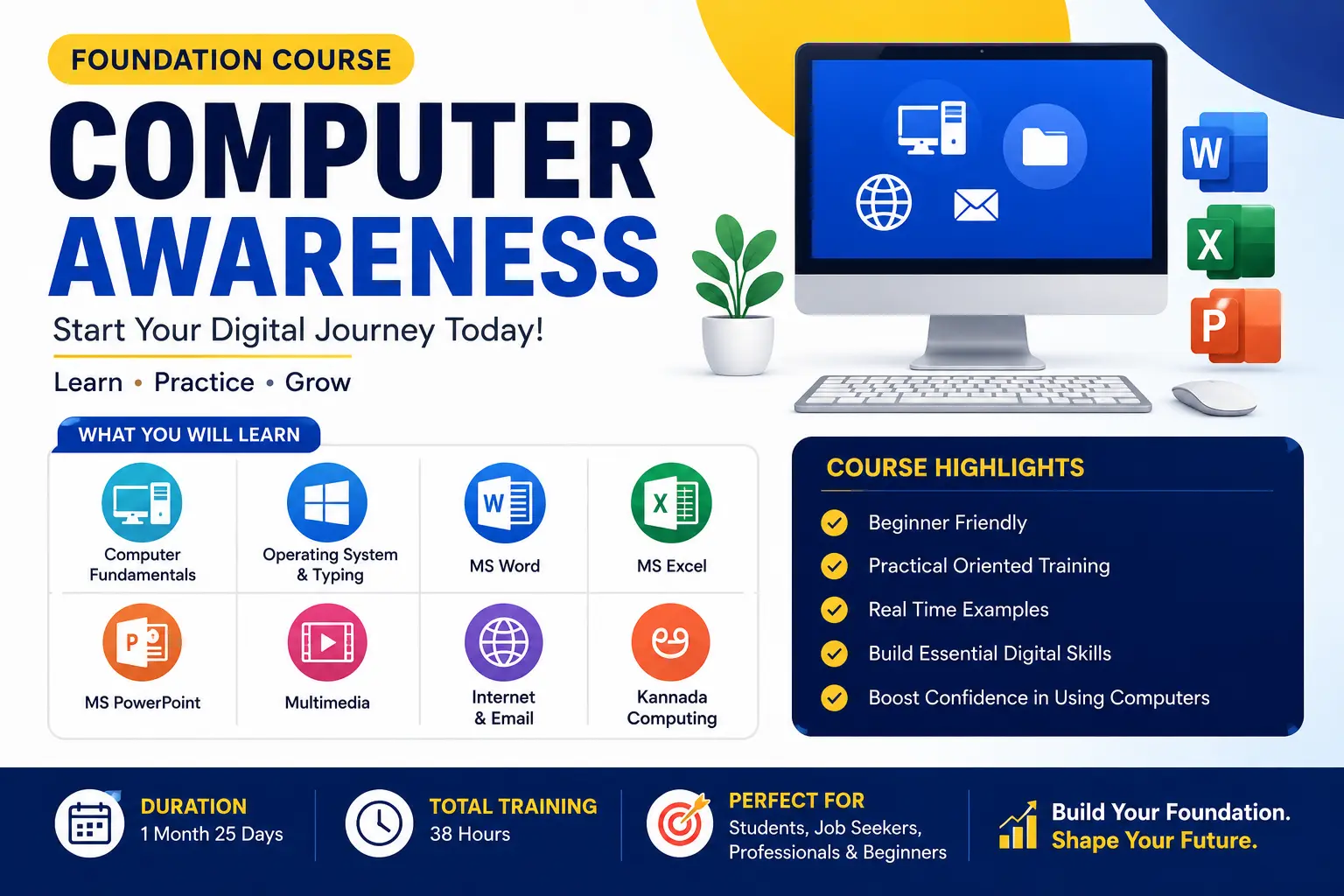
The Advanced Certificate in Basic Computer course is designed to provide comprehensive computer knowledge and practical skills required for education, office work, business operations, and career growth. This course combines computer fundamentals, typing skills, office productivity tools, internet applications, and digital communication in a structured learning program.

Course Includes

1. Typing Master

  • English Typing Practice
  • Typing Speed Improvement
  • Typing Accuracy Techniques
  • Keyboard Shortcuts
  • Touch Typing Fundamentals

2. Computer Concepts

  • Introduction to Computers
  • Hardware and Software
  • Input and Output Devices
  • Memory and Storage Devices
  • Computer Generations
  • Applications of Computers

3. Fundamentals of Computer

  • Operating System Basics
  • File and Folder Management
  • Windows Environment
  • Computer Maintenance
  • Data Management
  • Basic Troubleshooting

4. Notepad, WordPad & Paint

  • Text Editing using Notepad
  • Document Creation using WordPad
  • Basic Drawing and Image Editing using Paint
  • Save, Open, Print and Manage Files

5. Advanced Microsoft Word

  • Professional Document Creation
  • Page Setup and Formatting
  • Headers and Footers
  • Tables and Charts
  • Mail Merge
  • Templates
  • Reports and Project Documentation

6. Advanced Microsoft Excel

  • Formulas and Functions
  • Logical Functions
  • Financial Functions
  • Data Analysis
  • Charts and Graphs
  • Pivot Tables
  • Data Validation
  • Sorting and Filtering
  • MIS Reports

7. Advanced Microsoft PowerPoint

  • Professional Presentations
  • Slide Master
  • Themes and Templates
  • Animations and Transitions
  • SmartArt and Charts
  • Business Presentation Design
  • Multimedia Integration

8. Internet & Nudi 4.0

  • Internet Fundamentals
  • Web Browsing
  • Email Creation and Management
  • Online Forms and Applications
  • Digital Payments
  • Cloud Storage
  • Online Safety and Security
  • Kannada Typing using Nudi 4.0
  • Kannada Document Creation

Key Features

✅ 100% Practical Training

✅ Industry-Oriented Curriculum

✅ Individual Computer Practice

✅ Real-Time Assignments

✅ Job-Oriented Skills Development

✅ Certificate on Successful Completion

✅ Suitable for Students, Job Seekers, Employees and Entrepreneurs

Course Outcome

After completing this course, learners will be able to confidently operate computers, create professional documents, analyze data in Excel, design presentations, use internet services efficiently, perform Kannada typing, and handle day-to-day office tasks effectively.

Tagline:

"Learn Advanced Computer Skills Today and Build a Better Career Tomorrow." 💻🎓🚀

Show More

Course Syllabus

About the Syllabus

The Advanced Certificate in Basic Computer syllabus is carefully designed to provide learners with both theoretical knowledge and practical computer skills. It covers essential computer operations, office applications, internet usage, digital communication, and Kannada computing tools required in today's educational, business, and professional environments.

The syllabus begins with basic computer concepts and gradually advances to professional applications such as Microsoft Word, Excel, and PowerPoint. Students learn to create documents, manage data, prepare presentations, use internet services, and improve typing skills through extensive hands-on practice.

Syllabus Structure

ModuleTopicModule 1Typing MasterModule 2Computer ConceptsModule 3Fundamentals of ComputerModule 4Notepad, WordPad & PaintModule 5Advanced Microsoft WordModule 6Advanced Microsoft ExcelModule 7Advanced Microsoft PowerPointModule 8Internet & Nudi 4.0

Learning Approach

  • Theory + Practical Training
  • Real-Time Exercises
  • Individual Computer Practice
  • Assignments and Projects
  • Office-Oriented Applications
  • Productivity and Digital Skills Development

Skills Gained After Completion

  • Professional Typing Skills
  • Computer Operation and File Management
  • Office Documentation
  • Spreadsheet Management and Data Analysis
  • Presentation Design Skills
  • Internet and Online Application Handling
  • Email Communication
  • Kannada Typing and Document Preparation
  • Digital Productivity and Workplace Readiness

Ideal For

  • School and College Students
  • PUC and Degree Students
  • Job Seekers
  • Office Staff
  • Entrepreneurs
  • Homemakers
  • Anyone seeking professional computer skills

Course Objective

The primary objective of this syllabus is to transform beginners into confident computer users capable of performing academic, office, business, and online tasks efficiently using modern computer applications.

Course Duration: 3 to 6 Months (depending on batch schedule)

Training Mode: 100% Practical with Guided Theory Sessions

Certification: Advanced Certificate in Basic Computer upon successful completion. 🎓💻

Course Fees

Course Fees
:
₹5999/-
Discounted Fees
:
₹ 3999/-
Course Duration
:
3 Months

Review

5.0
Course Rating (1 review)
100%
0%
0%
0%
0%


Call
Text Message
Review
Email
CHAT