 Bestseller
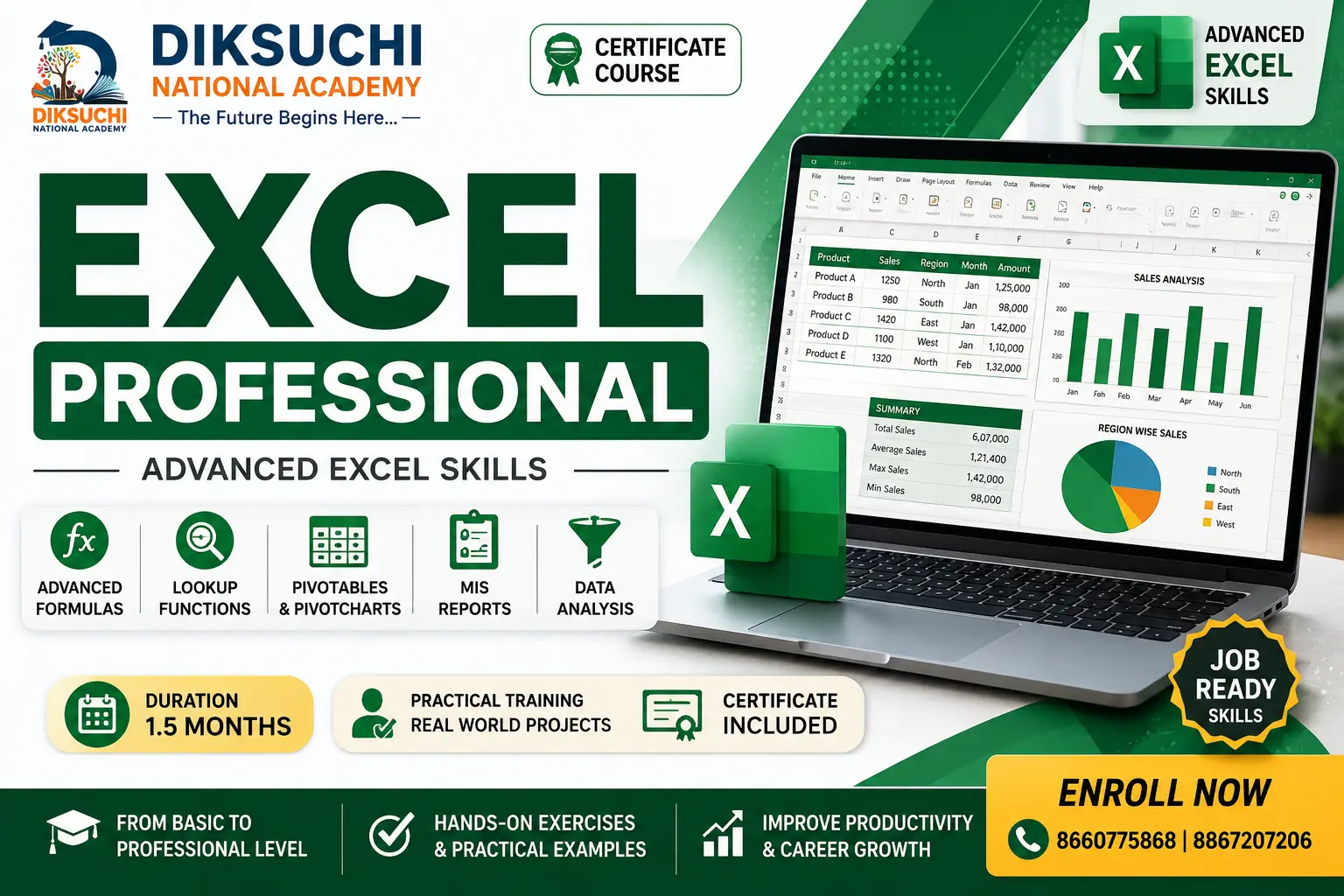
Excel Professional is a practical 1.5-month Microsoft Excel course designed for students, job seekers, office staff, accountants, business owners and working professionals who want to move beyond basic Excel and develop professional spreadsheet skills.
This course builds on Excel fundamentals and focuses on professional formulas, data management, PivotTables, charts, data validation, conditional formatting, advanced reporting and practical office applications.
Students learn through hands-on exercises, real-world worksheets and practical projects designed around common office and business requirements.
WHAT YOU WILL LEARN
• Advanced Excel Formulas and Functions
• IF, AND, OR and Nested IF
• SUMIF, COUNTIF and AVERAGEIF
• VLOOKUP and HLOOKUP
• INDEX and MATCH
• Text and Date Functions
• Data Validation and Drop-down Lists
• Conditional Formatting
• Advanced Sorting and Filtering
• Excel Tables
• PivotTables and PivotCharts
• Charts and Professional Data Visualization
• What-If Analysis Basics
• Worksheet and Workbook Protection
• Professional Printing and Page Setup
• Business Reports and MIS Reports
PRACTICAL PROJECTS
• Student Marksheet and Result Report
• Employee Salary Sheet
• Sales and Expense Report
• Inventory Management Sheet
• Attendance Management Sheet
• Monthly Business Report
• Sales Analysis using PivotTable
• Professional Dashboard Introduction
COURSE OUTCOME
After completing this course, learners will be able to create professional Excel worksheets, use advanced formulas, analyse business data, create PivotTables and charts, prepare reports and manage common office Excel tasks independently.
Learning Method: Practical Training + Exercises + Real-World Projects + Assessments
Module 1 – Professional Excel Formulas
• Review of Basic Formulas
• Relative, Absolute and Mixed References
• IF Function
• Nested IF
• AND and OR Functions
• IF with AND and OR
• IFERROR
• SUMIF
• COUNTIF
• AVERAGEIF
• SUMIFS
• COUNTIFS
• AVERAGEIFS
Module 2 – Lookup Functions
• VLOOKUP
• HLOOKUP
• VLOOKUP with Exact Match
• VLOOKUP with Approximate Match
• Multiple-Criteria Lookup Concepts
• INDEX Function
• MATCH Function
• INDEX + MATCH
• Lookup Across Worksheets
• Practical Lookup Exercises
Module 3 – Text and Date Functions
• LEFT
• RIGHT
• MID
• LEN
• TRIM
• UPPER
• LOWER
• PROPER
• CONCAT and TEXTJOIN
• FIND and SEARCH
• TODAY
• NOW
• DATE
• DAY, MONTH and YEAR
• DATEDIF
• Working with Dates in Reports
Module 4 – Data Management
• Excel Tables
• Table Formatting
• Structured References
• Sorting Data
• Multi-Level Sorting
• Advanced Filtering
• Custom Filters
• Removing Duplicates
• Data Validation
• Drop-down Lists
• Input Messages and Error Alerts
Module 5 – Conditional Formatting
• Basic Conditional Formatting
• Highlight Cell Rules
• Duplicate Values
• Top and Bottom Rules
• Data Bars
• Color Scales
• Icon Sets
• Formula-Based Conditional Formatting
• Practical Business Applications
Module 6 – PivotTables
• Introduction to PivotTables
• Creating PivotTables
• Rows, Columns, Values and Filters
• Value Field Settings
• Grouping Data
• Sorting and Filtering PivotTables
• Percentage Analysis
• Summary Reports
• Refreshing PivotTables
• Practical PivotTable Exercises
Module 7 – Charts and Data Visualization
• Column Charts
• Bar Charts
• Line Charts
• Pie Charts
• Area Charts
• Combo Charts
• Chart Formatting
• Data Labels
• Chart Titles and Legends
• Professional Report Charts
• Creating Charts from PivotTables
Module 8 – Professional Reporting
• Report Structure and Layout
• Page Setup
• Print Area
• Page Breaks
• Headers and Footers
• Print Titles
• Scaling Worksheets
• PDF Export
• Professional Report Formatting
• Monthly and Annual Reports
Module 9 – Business Excel Applications
• Sales Management Sheet
• Purchase Management Sheet
• Inventory Management Sheet
• Employee Salary Sheet
• Attendance Sheet
• Expense Management Sheet
• Student Marksheet
• Customer Database
• Monthly Business Report
• Basic MIS Reporting
Module 10 – Practical Projects
• Sales Analysis Project
• Inventory Management Project
• Employee Payroll Project
• Monthly Expense Report
• Student Result Management Project
• Business MIS Report
• PivotTable Analysis Project
• Professional Excel Report Project
FINAL ASSESSMENT
• Practical Excel Examination
• Objective Examination
• Formula-Based Assessment
• Data Management Task
• PivotTable Task
• Chart Creation Task
• Professional Report Project
Who can apply for this course
Minimum Qualification: 10th Pass
Prerequisite: Basic knowledge of computers and Microsoft Excel is recommended. Students should understand basic data entry, worksheet navigation and simple formulas.
Suitable For: Students, job seekers, office staff, accountants, business owners, professionals and anyone who wants professional Excel skills.
Copyright © 2026 DITRP INDIA. All Rights Reserved