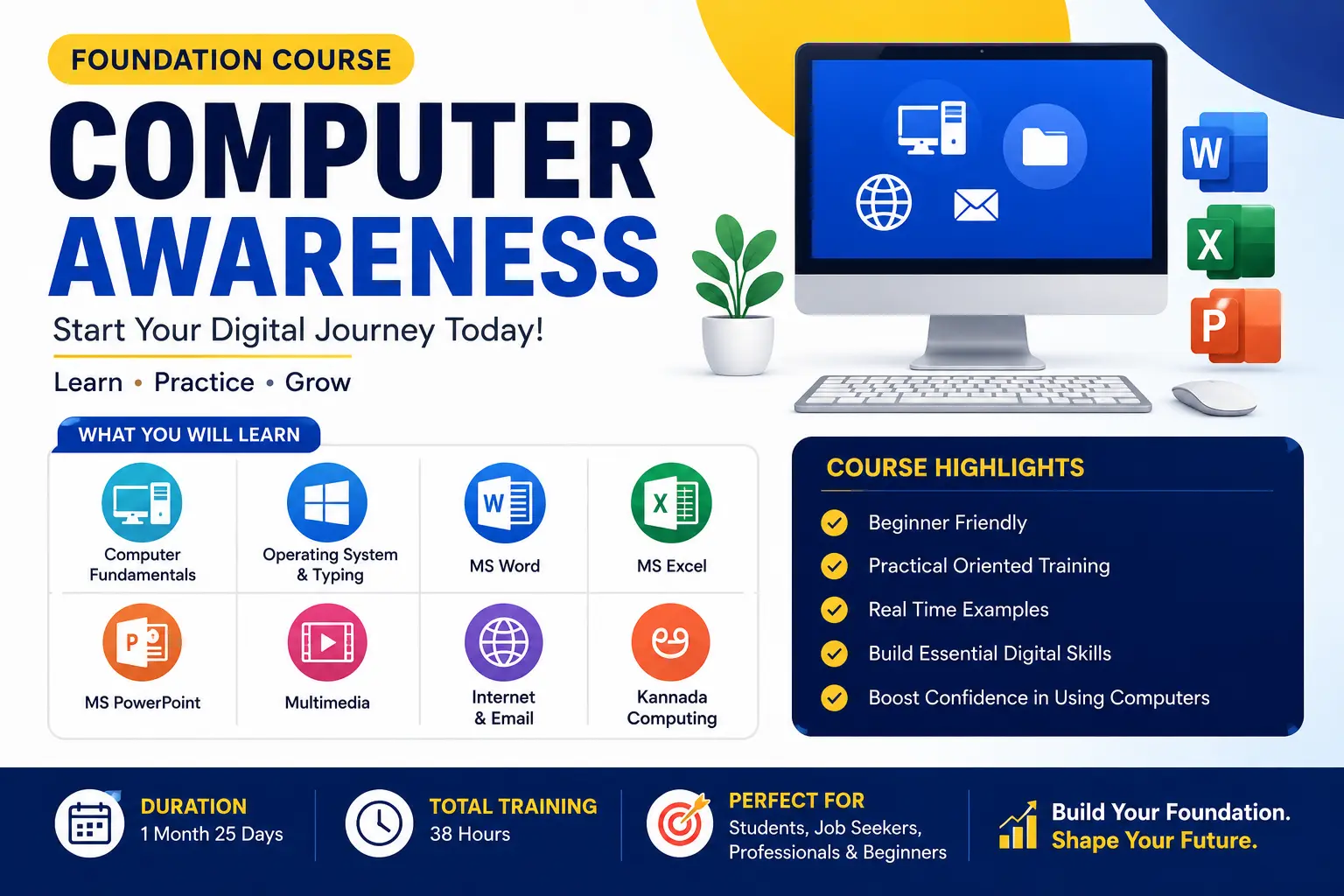
What you'll learn
Office Essentials is a beginner-friendly computer course designed for students, job seekers, homemakers, professionals, and anyone who wants to build a strong foundation in computer and office productivity skills. The course covers essential computer operations, Windows 11, Internet, Email, Microsoft Word, Microsoft Excel, and Microsoft PowerPoint through practical, hands-on training.
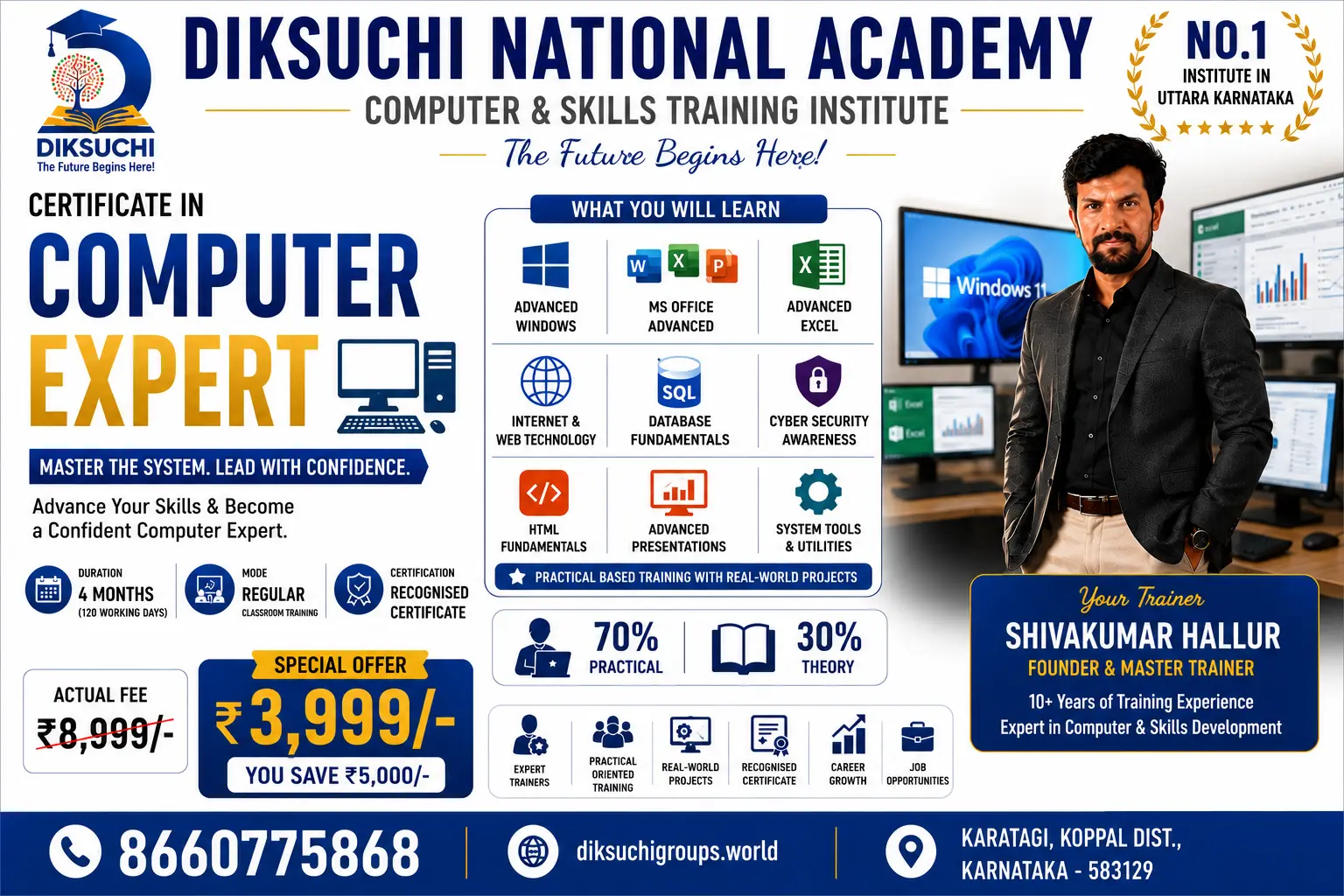
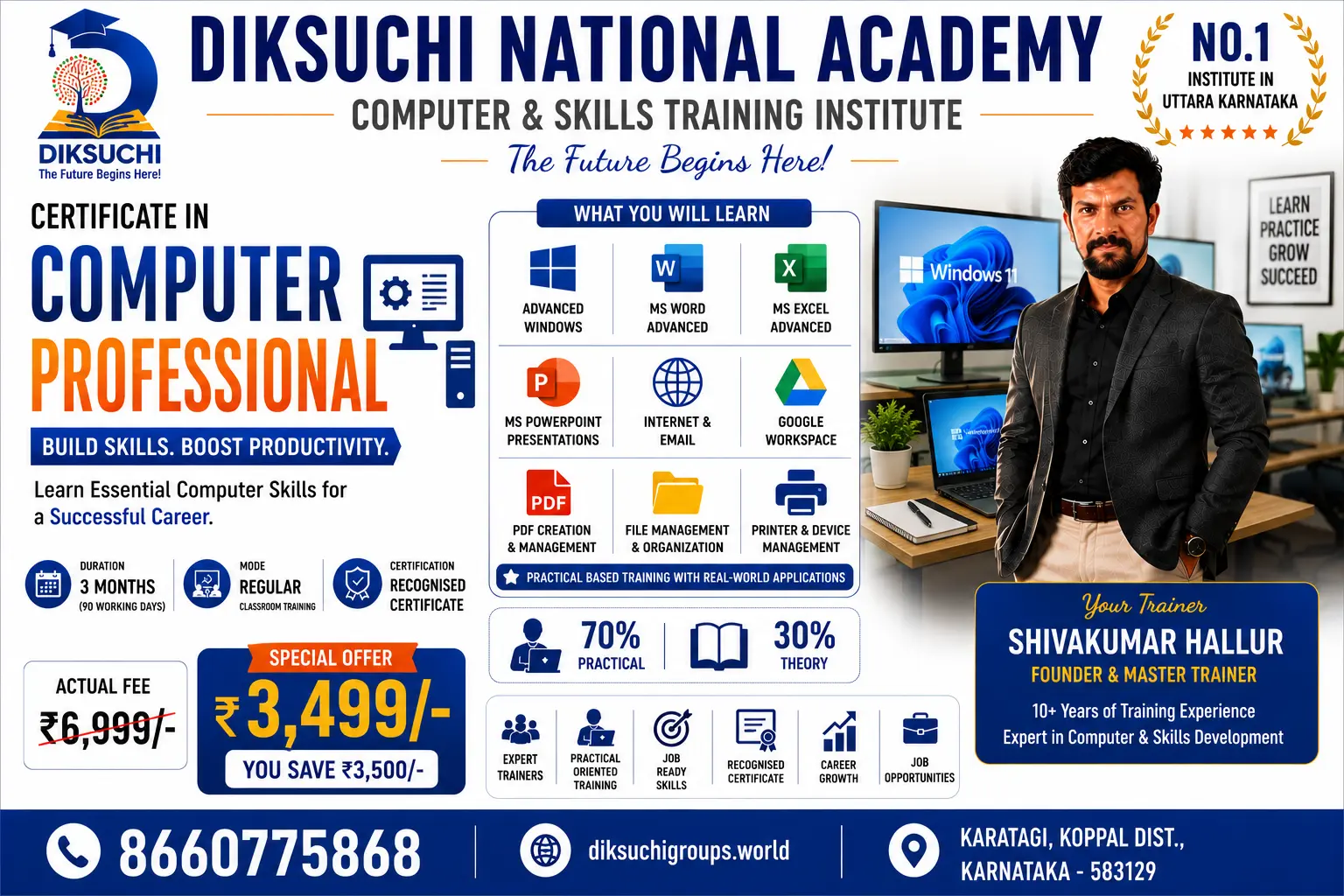
Students will learn to create professional documents, spreadsheets, and presentations while developing the confidence to use computers efficiently in academic, office, and business environments. The course emphasizes 70% practical training and 30% theory, ensuring real-world skills that improve employability.
Career Opportunities
- Office Assistant
- Data Entry Operator
- Computer Operator
- Receptionist
- Front Office Executive
- Office Administrator
- Customer Support Executive
- Back Office Executive
Course Highlights
- Beginner-friendly curriculum
- 70% Practical Training
- Industry-oriented syllabus
- Hands-on assignments
- Practice exercises
- Final practical assessment
- Certificate on successful completion
Show More
Course Syllabus
Module 1 – Computer Fundamentals
- Introduction to Computers
- Types of Computers
- Hardware and Software
- Input and Output Devices
- Storage Devices
- Operating Systems
- Computer Safety
- File Management Basics
- Keyboard Practice
- Mouse Practice
Module 2 – Windows 11
- Windows Interface
- Desktop and Taskbar
- File Explorer
- Creating Files and Folders
- Copy, Move, Rename, Delete
- Control Panel
- Settings
- Personalization
Module 3 – Internet & Email
- Internet Basics
- Web Browsing
- Search Techniques
- Google Services
- Gmail Account
- Sending Emails
- Attachments
- Downloading Files
- Online Safety
Module 4 – Microsoft Word
- Word Interface
- Creating Documents
- Editing Text
- Formatting
- Fonts
- Paragraphs
- Bullets & Numbering
- Tables
- Pictures
- Page Setup
- Header & Footer
- Printing
Module 5 – Microsoft Excel
- Workbook & Worksheet
- Rows & Columns
- Cell Formatting
- Basic Formulas
- Functions
- Charts
- Sorting
- Filtering
- Page Layout
- Printing
Module 6 – Microsoft PowerPoint
- Presentation Basics
- Slides
- Themes
- Text Formatting
- Images
- SmartArt
- Tables
- Charts
- Transitions
- Animations
- Slide Show
- Presentation Practice
Subjects
- Computer Fundamentals
- Windows 11
- Internet & Email
- Microsoft Word
- Microsoft Excel
- Microsoft PowerPoint
- File Management
- Online Safety
- Printing & Documentation
- Practical Assignments
Skills You Will Learn
- Computer Operation
- Typing & File Management
- Internet Browsing
- Professional Email Communication
- Document Creation
- Spreadsheet Management
- Presentation Design
- Office Productivity
- Data Organization
- Digital Workplace Skills
Eligibility
- Minimum Qualification: 8th Standard or Above
- No prior computer knowledge required.
Certificate
Diksuchi National Academy – Office Essentials (OE-101) Course Completion Certificate

 Bestseller