
Best Seller Icon Bestseller

DIPLOMA IN COMPUTER APPLICATIONS(M-CGDE-3772)

  • Last updated Jul, 2026
  • Certified Course
₹6,999 ₹9,999

Course Includes

  • Duration6 Months
  • Enrolled0
  • Lectures96
  • Videos0
  • Notes0
  • CertificateYes

What you'll learn

DIPLOMA IN COMPUTER APPLICATIONS (DCA)

Duration: 6 Months

The Diploma in Computer Applications (DCA) is a comprehensive job-oriented diploma program designed to equip students with practical computer skills required for education, office administration, business operations, and professional careers in today's digital world.

This diploma combines computer fundamentals, Windows operating system, Microsoft Office applications, advanced Excel, internet applications, digital communication, PDF management, cloud computing, AI productivity tools, basic programming concepts, and office automation into a single integrated learning program. The curriculum is designed to build confidence in using computers efficiently for academic, administrative, and commercial purposes.

The course follows a 70% practical and 30% theory approach, emphasizing real-world applications, assignments, live projects, and skill-based learning. Upon successful completion, learners will possess the practical knowledge and confidence required to work in educational institutions, business organizations, private companies, government offices, and service industries.


Key Learning Areas

• Computer Fundamentals & Digital Skills

• Windows Operating System

• Microsoft Word

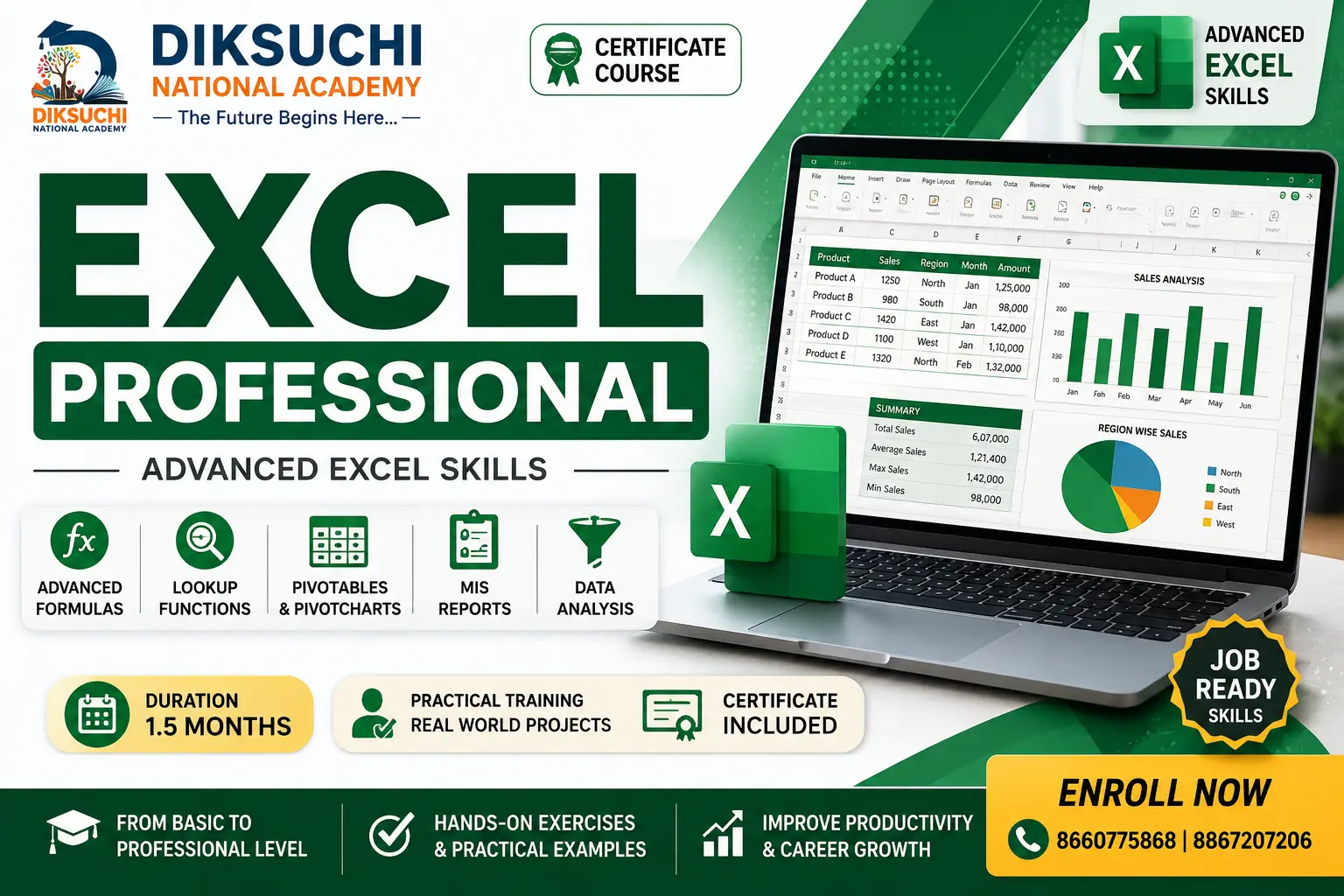
• Microsoft Excel

• Microsoft PowerPoint

• Internet & Email Communication

• PDF Management

• Google Workspace

• Cloud Storage

• AI Productivity Tools

• Office Automation

• Basic Programming Concepts

• Digital Communication

• Practical Office Projects


Course Features

✔ 70% Practical Training

✔ 30% Theory with Concept-Based Learning

✔ Individual Computer Practice

✔ Industry-Oriented Curriculum

✔ Microsoft Office Applications

✔ Advanced Excel Skills

✔ Google Workspace

✔ AI Productivity Tools

✔ Internet & Digital Communication

✔ Office Automation

✔ Project-Based Learning

✔ Interview Preparation

✔ Diploma Certificate & Marks Card on Successful Completion


Suitable For

• SSLC Students

• PUC Students

• Degree Students

• Job Seekers

• Freshers

• Office Staff

• Entrepreneurs

• Business Owners

• Government Exam Aspirants

• Anyone Interested in Computer Applications


Career Opportunities

• Computer Operator

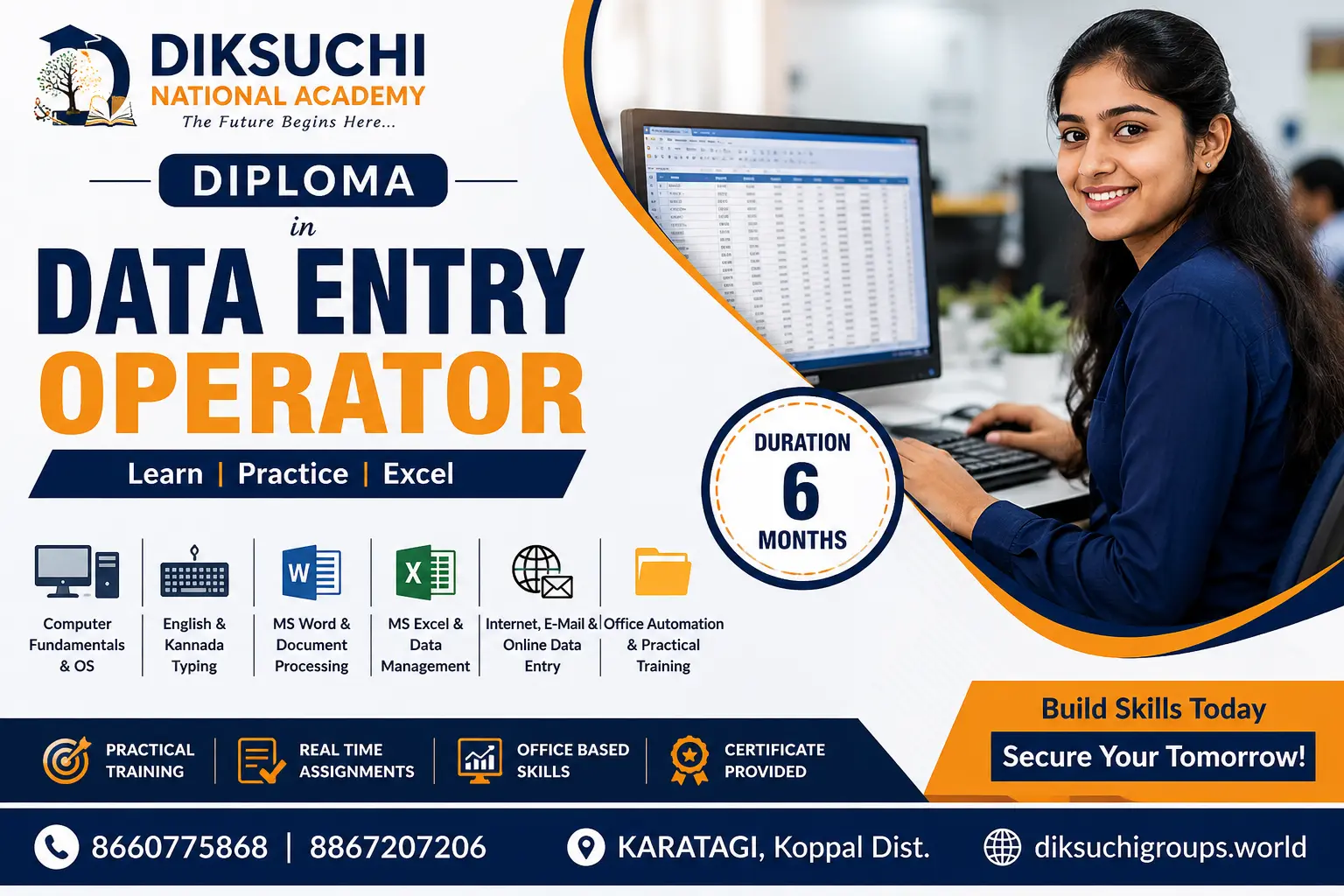
• Data Entry Operator

• Office Assistant

• Office Executive

• Administrative Assistant

• Documentation Executive

• Front Office Executive

• Customer Support Executive

• MIS Executive

• Back Office Executive

• Computer Instructor

• Office Coordinator


Course Objective

The objective of this diploma is to develop skilled computer professionals capable of handling office applications, digital communication, business documentation, spreadsheets, presentations, internet services, and office automation using modern software applications and industry-standard practices. Upon successful completion, learners will possess the practical knowledge and confidence required to work efficiently in office, administrative, educational, and business environments while preparing for advanced computer and professional certification programs.

Show More

Course Syllabus

DIPLOMA IN COMPUTER APPLICATIONS (DCA)

Duration: 6 Months


SUBJECT CODE: DCA-101

COMPUTER FUNDAMENTALS & DIGITAL SKILLS

Unit 1: Introduction to Computers

  • Computer Concepts
  • History of Computers
  • Types of Computers
  • Hardware & Software

Unit 2: Windows Operating System

  • Desktop Management
  • File & Folder Management
  • Control Panel
  • System Settings

Unit 3: Input & Output Devices

  • Keyboard
  • Mouse
  • Scanner
  • Printer

Unit 4: Typing Skills

  • English Typing
  • Typing Speed Development
  • Keyboard Shortcuts

Practical:

  • File Management
  • Folder Organization
  • Typing Practice

SUBJECT CODE: DCA-102

MICROSOFT WORD

Unit 1: Document Creation

  • Text Editing
  • Formatting
  • Page Setup

Unit 2: Advanced Word

  • Tables
  • Mail Merge
  • Headers & Footers
  • Templates

Unit 3: Business Documents

  • Letters
  • Reports
  • Resume
  • Certificates

Practical:

  • Resume Design
  • Office Documentation

SUBJECT CODE: DCA-103

MICROSOFT EXCEL

Unit 1: Excel Basics

  • Workbook
  • Worksheets
  • Formatting

Unit 2: Formulas & Functions

  • Mathematical Functions
  • Logical Functions
  • Lookup Functions

Unit 3: Data Analysis

  • Charts
  • Pivot Tables
  • Conditional Formatting
  • Data Validation

Practical:

  • Salary Sheet
  • Marksheet
  • MIS Reports

SUBJECT CODE: DCA-104

MICROSOFT POWERPOINT

Unit 1: Presentation Basics

  • Slides
  • Themes
  • Layouts

Unit 2: Multimedia

  • Images
  • Audio
  • Video
  • SmartArt

Unit 3: Animation

  • Transitions
  • Animations
  • Slide Show

Practical:

  • Business Presentation
  • Educational Presentation

SUBJECT CODE: DCA-105

INTERNET, EMAIL & DIGITAL COMMUNICATION

Unit 1: Internet Fundamentals

  • Browsers
  • Search Engines
  • Web Navigation

Unit 2: Email Communication

  • Gmail
  • Professional Email Writing
  • Attachments

Unit 3: Google Workspace

  • Google Docs
  • Google Sheets
  • Google Drive
  • Google Forms

Unit 4: Cloud Computing

  • Cloud Storage
  • File Sharing
  • Collaboration

Practical:

  • Email Projects
  • Online Forms
  • Cloud Storage Exercises

SUBJECT CODE: DCA-106

OFFICE AUTOMATION & PRACTICAL PROJECT

Unit 1: PDF Management

  • PDF Creation
  • Merge
  • Split
  • Protection

Unit 2: AI Productivity Tools

  • ChatGPT
  • Google Gemini
  • Microsoft Copilot

Unit 3: Office Automation

  • Document Management
  • Digital Workflow
  • Business Communication

Unit 4: Final Project

  • Office Documentation
  • Spreadsheet Project
  • Presentation Project
  • Viva Voce

Practical:

  • Complete Office Automation Project
  • Digital Documentation
  • Final Presentation

EXAMINATION SCHEME

Theory: 30 Marks

Practical: 50 Marks

Project/Viva: 20 Marks

Total: 100 Marks Per Subject

GRAND TOTAL: 600 Marks


COURSE OUTCOME

Upon successful completion, students will be able to:

  • Operate computers confidently in office and business environments.
  • Create professional documents using Microsoft Word.
  • Analyze data and prepare reports using Microsoft Excel.
  • Design effective presentations using Microsoft PowerPoint.
  • Use internet services and professional email communication.
  • Work with Google Workspace and cloud-based applications.
  • Utilize AI productivity tools for office tasks.
  • Manage digital documents and office workflows.
  • Complete real-world office projects independently.
  • Build a strong foundation for advanced diploma and professional computer courses. 


Course Fees

Course Fees
:
₹9999/-
Discounted Fees
:
₹ 6999/-
Course Duration
:
6 Months

Review

0.0
Course Rating (0 reviews)
0%
0%
0%
0%
0%


Call
Text Message
Review
Email
CHAT